Skip to content
View in the app

A better way to browse. Learn more.

The 4Forum

A full-screen app on your home screen with push notifications, badges and more.

To install this app on iOS and iPadOS
  1. Tap the Share icon in Safari
  2. Scroll the menu and tap Add to Home Screen.
  3. Tap Add in the top-right corner.
To install this app on Android
  1. Tap the 3-dot menu (⋮) in the top-right corner of the browser.
  2. Tap Add to Home screen or Install app.
  3. Confirm by tapping Install.

4F Insight

Subforums

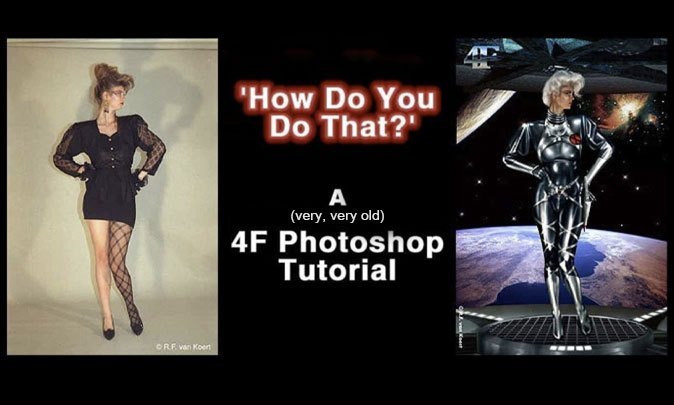
  1. The 'famous' "How do you do that?" tutorial, restored in al its glory. Become an 'advanced member' for free to read beyond the first 10 steps.

    • 5,454 visits to this link
  2. Walkthrough recreating part of the ship interior of the Raza.

    • 4,554 visits to this link
  3. Short walkthrough for the 'Mars Needs Women - Old mine' image.

    • 15 visits to this link
  4. A few (6) before / after slide images. Us the 'arrows' to slide left/right.

    • 2,494 visits to this link
  5. Zoom in on some of peoples favorite 4F images.

    • 3,387 visits to this link
Background Picker
Customize Layout

Account

Navigation

Search

Search

Configure browser push notifications

Chrome (Android)
  1. Tap the lock icon next to the address bar.
  2. Tap Permissions → Notifications.
  3. Adjust your preference.
Chrome (Desktop)
  1. Click the padlock icon in the address bar.
  2. Select Site settings.
  3. Find Notifications and adjust your preference.